
Free Software for Coaching Classes — What "Free" Actually Gets You
Last updated: 4 September 2026
Search for free coaching class management software and you will find plenty of it. Some of it is genuinely free. Some of it is free for a fortnight. Some of it is free because you are paying in a way that is not printed on the page.
It is worth knowing which one you are being offered before you type two hundred students and their parents' phone numbers into it — because that is the point after which switching becomes painful.
The four kinds of "free"
1. The free download
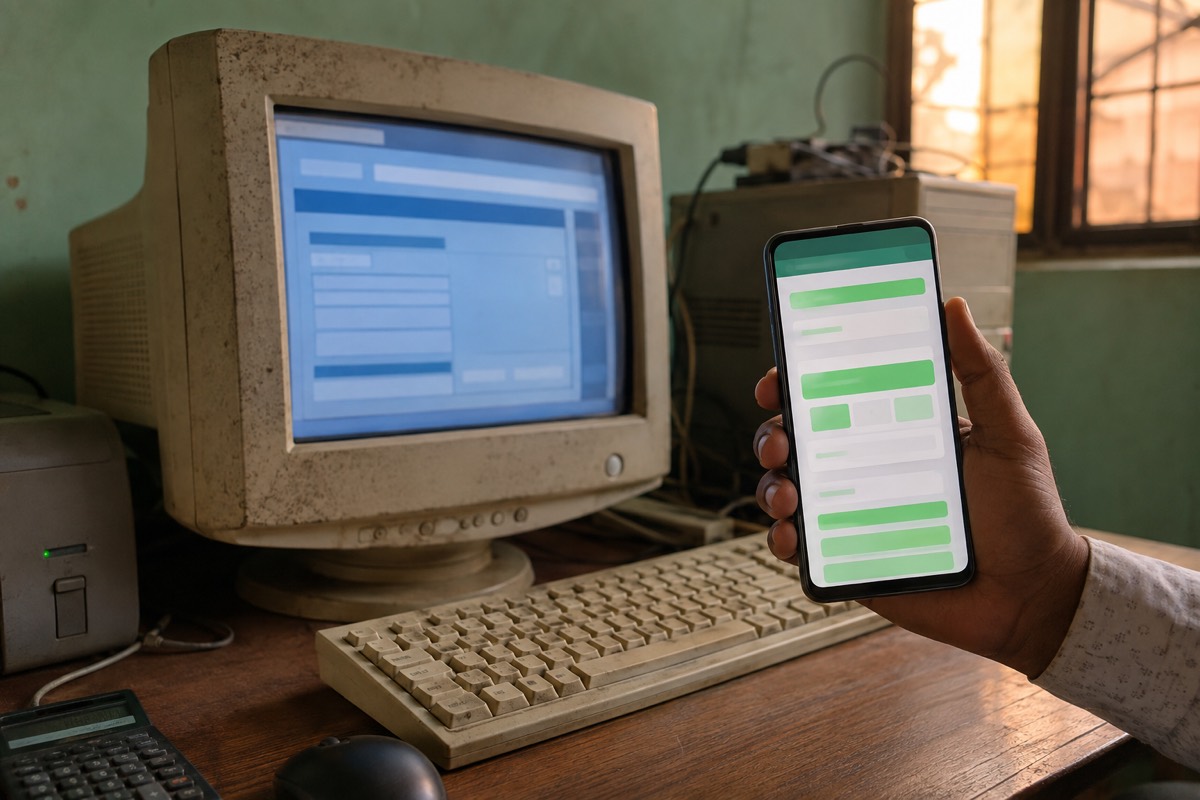
This is what most people mean when they search, and it is the one to be most careful with. A setup file, installed on a computer at the centre, no monthly fee.
Three things are usually true of it. It was built some years ago and is no longer updated. Every record lives on that one computer — so if the machine dies, is stolen, or the hard disk fails, your entire fee history goes with it, because these builds rarely back anything up anywhere. And a good number of the "free downloads" of otherwise paid software are cracked copies.
That last one deserves a plain word. A cracked installer running on the same computer that holds several hundred parents' phone numbers is not only a legal problem, it is a security one. Those numbers are personal data belonging to other people's families, and you are the one responsible for them.
If you do go this route, the minimum is: a genuine copy from the actual publisher, and a copy of your data on something that is not that computer.
2. The free trial
Fourteen days, or thirty, then it becomes paid. This is honest as long as it says so clearly, and it is genuinely useful — a trial is the only way to find out whether software fits how you actually work.
Two things to check before you start one. Does it want card details up front to begin the trial? And what happens to your data on day thirty-one if you decide not to pay — is it deleted, or does it wait for you?
The practical advice: do not begin a trial in a busy week. You will not use it properly, the fortnight will pass, and you will have learnt nothing.
3. The free plan
Free forever, but limited — usually by number of students, sometimes by how many messages you can send a month. Above that limit you pay.
This is a reasonable arrangement, and it is the one we use ourselves, so treat what follows as an interested party being straight with you. The thing to check is whether the free limit is set where a real small class actually sits, or set deliberately low so that the free plan is unusable and functions as an advertisement.
A useful test: could a teacher with a genuinely small class — ten students, say — run a full month on the free plan and never pay? Not a crippled month, a real one, doing whatever that particular teacher actually does. If the answer is no, it is a trial wearing a different hat.
And when a plan limits messages, check who decides which messages go out. There is a large difference between an app that fires a message at every parent for every event, and one where you choose what to send. Plenty of teachers only ever send a fee reminder once a month and nothing else. On a message-limited plan, that teacher gets far more out of the same allowance than the count first suggests.
4. Free, because the money comes from somewhere else
The one that catches people. The software costs the teacher nothing — but fees are collected through the platform, and it keeps a percentage of each payment, or holds the money for a settlement period before passing it on.
There is nothing inherently wrong with this model, and for some centres it is convenient. But it is a price, and an unusual one, because it scales with how much money you collect rather than with how many students you have. A centre collecting ₹2,00,000 a month pays far more than one collecting ₹40,000, for exactly the same software.
So ask one question, and ask it directly: do parents pay me, or do they pay you?
The option nobody sells you: a spreadsheet
For a handful of students, a spreadsheet is genuinely enough. It costs nothing, it works on a phone, it backs itself up, and it will not be discontinued.
Columns for student name, class, parent's number, monthly fee, and one column per month for paid or not paid. That is most of what small coaching software does.
It stops being enough at one specific point, and it is worth naming exactly where: a spreadsheet cannot send anything. The moment your month involves sending the same message individually to forty parents — a fee reminder, a receipt, an absent alert — you are doing that by hand, one WhatsApp chat at a time, and that is where the evenings go.
That is the honest line where software starts to earn its price. Not at ten students. Somewhere around the point where sending messages becomes the job.
Five questions to ask about any "free" offer
- Where do my records live? On one computer at the centre, or somewhere with a backup? If that machine died tonight, what would you still have tomorrow?
- Can my data come back out? Students and fee history, to Excel or CSV, whenever you want, without asking anyone. If not, you are not a customer — you are locked in.
- Do parents pay me, or pay the platform? Direct is simpler and there is no third party to chase when a payment goes missing.
- What exactly is limited, and what happens when I hit the limit? Does it stop letting you add students, or does it stop sending messages halfway through the month — which is much worse.
- Is it still being updated? Look for a recent update date. Software that touches WhatsApp, SMS or UPI must keep up with those systems or it quietly stops working.
What free realistically cannot cover
Being fair about this matters more than selling you something.
Every message that reaches a parent on WhatsApp or by SMS costs the app real money, paid to Meta or to a telecom operator. That is why almost every free plan in this market limits messages rather than features — nobody can give away an unlimited quantity of something they are billed for.
So a free plan can honestly cover a small class in full. What it cannot honestly do is send two thousand messages a month to a two-hundred-student centre. Any offer that claims otherwise is either about to introduce a charge, or is making its money at step four above.
Where TuitionPilot fits
TuitionPilot is a free plan of the third kind, and we will tell you its limits plainly.
- Free for up to 10 students and 50 parent messages a month. No card, no trial period, no expiry.
- Fee reminders on WhatsApp or SMS with your own UPI QR code — parents pay you directly. We never hold or route your fee money and take no cut of it.
- Attendance in seconds. Absent alerts go out by default, with a tick-box to switch them off for any batch you would rather not message.
- Receipts and monthly fee reports, downloadable as Excel.
- Your records export to Excel or CSV whenever you want them.
- Runs on an ordinary Android phone. No computer at the centre to fail.
On the message allowance, the plain arithmetic: you choose what gets sent. A teacher with ten students who sends one fee reminder a month uses ten messages. Add a receipt for each payment and it is twenty. Absent alerts are optional and off unless you want them, so nobody spends their allowance on messages they never wanted to send.
Above ten students it is paid — ₹299 a month for up to 20, ₹499 for up to 50, and a custom arrangement for coaching centres beyond that. We would rather you knew that on the first page than on day thirty-one.
If your centre is bigger, read what tuition management software should cost in India before you buy anything from anybody.
→ Start free at tuitionpilot.in
→ Download TuitionPilot on Google Play
Read next
- Best app for tuition & coaching fee payment — direct UPI versus a payment gateway, and the UPI ID mistake that costs the most.
- Student attendance app for tuition classes — what attendance is for, and whether to send absent alerts.
- What tuition management software should cost — the five pricing models and what to pay at your size.
- How to manage a tuition class without a paper register — the five-step switch off paper.
- How to collect tuition fees on time — the monthly system.
- WhatsApp fee reminder templates — when to send each message.
- Tuition fee receipt format — what a receipt must include.
Frequently asked questions
Is there genuinely free software for coaching classes?
Yes, in two honest forms. A spreadsheet is free forever and does more than most people expect. A free plan on a paid app is free forever within a student limit. Anything advertised as a free download of full paid software is either very old, deliberately limited, or an illegally cracked copy.
Why are free downloads risky?
A downloaded desktop program keeps every record on one computer, and these builds rarely back anything up. If the machine fails or is stolen, your fee history goes with it. Cracked copies add the risk of bundled malware on the same computer that holds parents' phone numbers — personal data belonging to other people's families, which you are responsible for.
What is the catch with free fee collection apps?
Usually the money. Some platforms charge the teacher nothing but collect fees on your behalf and keep a percentage, or hold the money for a settlement period. That is a price, and it scales with your fee income rather than your student count. Always ask whether parents pay you directly or pay the platform.
When is a spreadsheet enough?
For a handful of students it is genuinely enough. What ends it is not a student count but a task — the point where you need to send the same message individually to many parents, because a spreadsheet cannot send anything. That is where software starts to earn its price.
Does a free plan mean my data is the product?
Not always, but check rather than assume. Read what the privacy policy says about sharing data, and check whether you can export your students and fee history to Excel or CSV at any time. If your records cannot come back out, the plan is not really free — you have paid with lock-in.